What to do in the first minute after you spill water, coffee, or soup on a laptop or phone, and why a device that still works is not always a safe one.

Quick answer
Turn it off, unplug everything, and leave it off. Blot the outside with a dry cloth, skip the heat and the rice, and get it checked. A device that still turns on after a spill has not passed anything.
You knew the second the cup left your hand.
That drop in your stomach. The half second where you reach for it and already know it is too late. At the front desk or at the kitchen table, yeah, we know that feeling very well.
Take a breath. What you do in the next minute matters more than anything you do after it.
What do I do in the first minute after a spill?

First, what not to do. None of these help, and some make it worse.
No hair dryer, heater, oven, or sunny windowsill. Heat can cause more damage.
No compressed air, and nothing poked into the ports.
No rice.
No shaking.
No charging “just to see.”
Now the steps. One action each.
Unplug the charger from the device. If it is plugged in, pull it out first. Expected result: nothing is feeding power in.
Power it off. On a laptop, hold the power button until the screen goes dark. On a phone, power it off the normal way for your model, and if the screen will not respond, hold the power button until it shuts down. Don’t stop to save your work. Expected result: no screen, no lights, no fan noise. Still on? Keep holding. If it will not shut off, get it to a repair shop right away.
Unplug everything else. USB drives, mouse, cables, dock, memory cards, headphones.
Blot the outside. Use a soft, dry, lint-free cloth. Dab, don’t rub. Pay extra attention around the keyboard, ports, and vents.
Set it down and leave it off. Put it on a dry towel somewhere cool and dry. Expected result: nothing happens. That is the point.
Is water really different from coffee or soup?
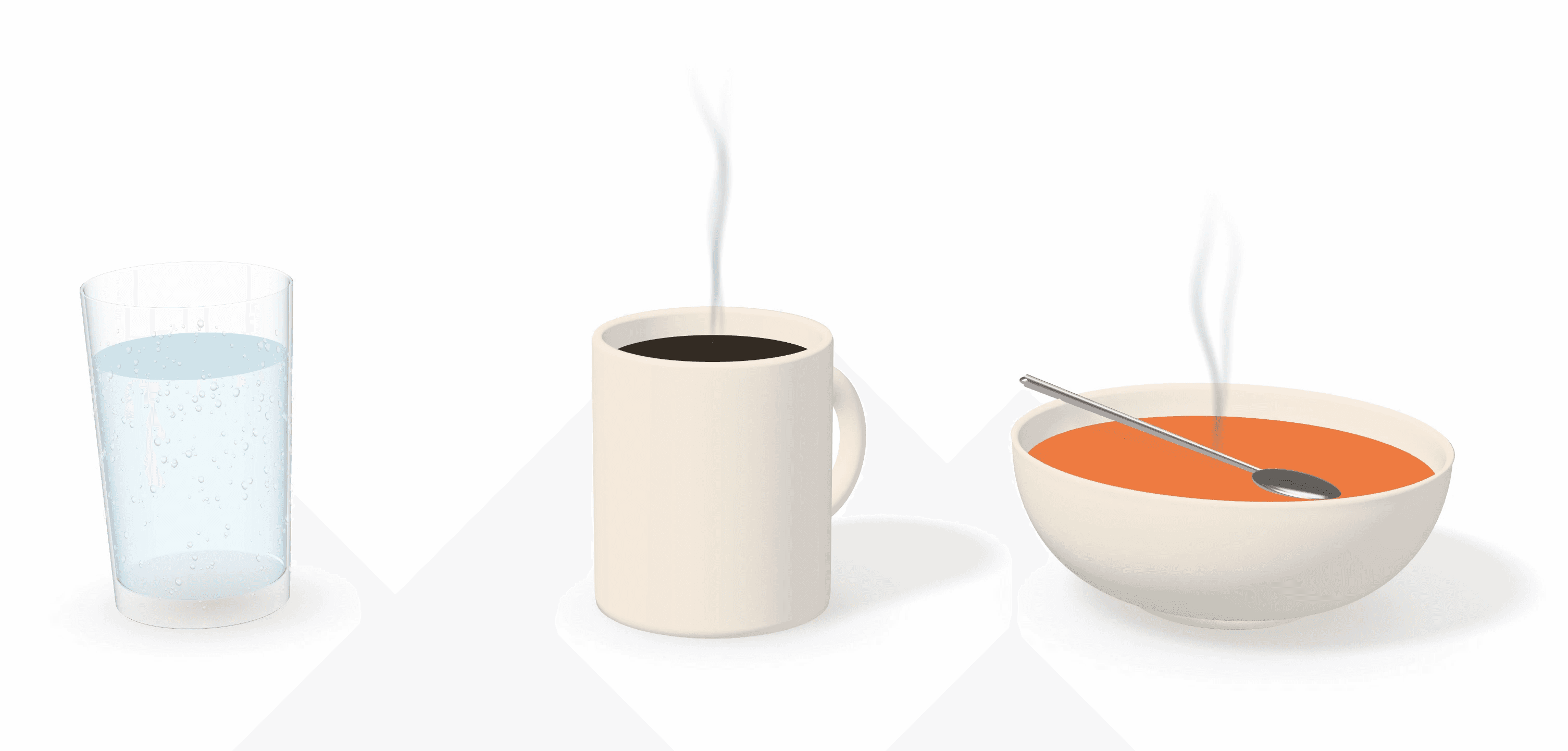
Yes. Not because water is safe, but because of what each one leaves behind.
Water. It can evaporate. Ordinary drinking water also carries minerals, and those stay behind when it dries. Minerals can let electricity flow where it was never meant to, and they can corrode.
Coffee. It dries into a film of solids, often with sugar and cream mixed in. That residue is sticky, and it can keep corroding long after the cup is empty.
Soup. For our purposes, think of it as salty water. Salt is hard on the protective coatings on circuits.
Think of a coffee mug on your desk. Rinse it right away and it is nothing. Leave it overnight and now you are scrubbing. Same coffee, different timing. The catch is that you cannot rinse the inside of a laptop.
The liquid is the first problem. What it leaves behind is the second one.
My device still turns on. Am I okay?

Img credit Ivan Galemov Pinterest.
Maybe. Honestly, nobody can tell by looking.
I have looked at water damaged phones under a microscope, and some of them were still working. You could see the damage inside, and the phone was running fine anyway. Unless there is smoke or a burnt smell, you have no way of knowing whether something shorted.
That is why “it turned on” is not the same as “it is fine.” Some of these keep running for a long time. Some stop later. Nobody can tell you which from the outside, and we are not going to pretend we can.
If it starts acting strange a few days or weeks after a spill, the spill may be catching up. That is a reason to get it checked, not to wait and see.
Can I take it apart and clean it myself?

You can find guides for it, and cleaning fast can help. But a real cleaning means opening the device, and the repair work that follows is microsoldering, which is a trade of its own with its own tools.
In my experience, once liquid reaches the sensitive parts, the damage is usually permanent. Unless you tinker with this kind of thing for fun or for a living, it is rarely worth the investment. For most people, replacing the machine is the realistic call.
That does not mean your files are gone. Very often the computer is what gave out and the files are still sitting on the drive. No promises, because a drive that got hit is a different story, and that one is worth a call. Our guides on backing up Windows files before a new computer and backing up a Mac before moving to a new one walk through the next step. If you are weighing repair against replacing, is it cheaper to fix or buy new helps with that.
Does rice work?

No. Rice feels like you are doing something, and that is all it does. It does not stop corrosion, and it can leave bits stuck in the ports.
What should I do in the next few days?
Leave it off. Don’t power it on to test it.
Have it looked at, even if it seems fine. Contact the maker or a repair shop you trust.
Ask about your files first. Before anything else gets done to it, ask about getting your files.
Check your coverage. Many standard warranties do not cover liquid damage, though some accidental damage plans do. Look at what yours says.
Don’t forget
Charger out, accessories out
Powered off, and left off
Blot, don’t wipe or shake
No heat, no compressed air, no rice
Don’t test it “just to see”
Get it checked, even if it works
Ask about your files first
Look at your warranty or protection plan
Next time: a lid on the cup, and the cup away from the keyboard
Common questions
Should I put my wet phone or laptop in rice?
No. Rice does not help. Power it off, unplug it, blot the outside, and set it on a dry towel somewhere cool and dry.
Can I plug it in to see if it still works?
No. Do not charge it “just to see.” Feeding power into a wet device is how a spill turns into a short. Leave it off until it has been checked.
Is coffee worse than water?
Usually, yes. Water can evaporate, though it leaves minerals behind. Coffee dries into a sticky film, often with sugar and cream, and it can keep corroding long after the cup is empty. Soup acts like salty water, which is hard on circuits.
Are my files gone if the laptop stops working?
Not always. Very often the computer is what gave out and the files are still on the drive. If the drive itself got hit, that is a different story and worth a call.
Spilled something? Let’s look at it together.
Tell me what got wet and what it is doing now. I will tell you honestly whether it is worth fixing, and how to get your files back.
Related Articles