Human Written
A practical breakdown of when upgrading storage or memory beats buying new, and when it's time to replace the machine instead.

Quick Answer
When your computer starts slowing down, upgrading parts like storage and memory is often cheaper than buying new equipment. However, if your device no longer receives security updates or has its parts “glued” to the motherboard, a replacement makes more financial sense.
The world feels more unpredictable by the day, and money’s tighter for a lot of people than it used to be. So when your computer starts showing its age right in the middle of all that, it’s normal to feel a little panic: can I actually afford a full upgrade right now? This guide is here to help you figure out if there’s still a little more juice left in the machine you already have.
In this guide:
The OS Support Test
Desktops: You’ve Got More Room to Work With
The Laptop Dilemma
Keeping Either One Running Longer
DIY or Wait and Save?
Sourcing Parts (and Whole Machines) Used
FAQs
The OS Support Test

Before you spend a single dollar on parts, you need to know if your machine is still supported. Security updates are not optional. Apple tends to release security updates for older Mac versions for years after their initial release.
If you have a Windows 10 machine, you can opt into Extended Security Updates for a reasonable fee. That gives you another full year of protection while you budget for something new. If your computer can safely run a supported operating system, it’s worth looking at hardware upgrades.
Desktops: You’ve Got More Room to Work With
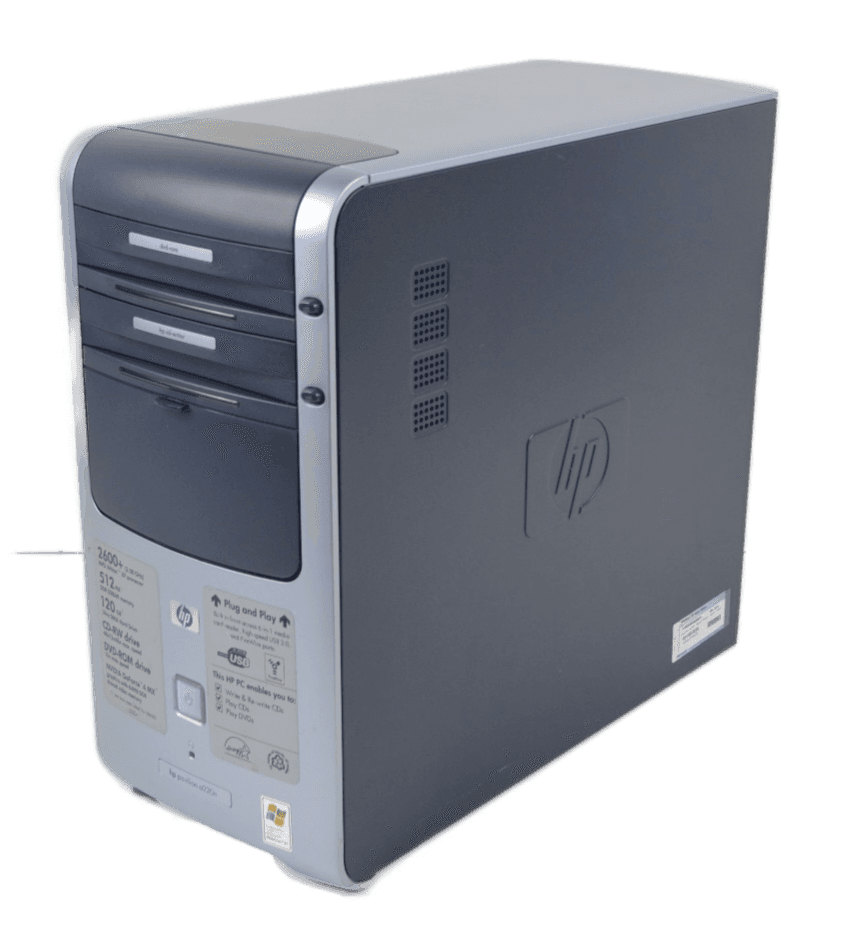
Desktops tend to be easier to upgrade without buying a whole new machine. One thing working in your favor right away: no battery to worry about.
Storage is usually the first thing to check. A lot of desktops come with two drives, one faster than the other, that were never properly set up or initialized. If that’s you, redoing the Windows installation alone can make the machine feel fast again for a while. If your machine only has a mechanical hard drive, moving to an SSD (or an even faster M.2 drive, if your machine supports it) makes a real difference, especially for update times.
Memory is the other big one, especially if you’re the type to have Chrome open with enough tabs to give your computer a small stroke. 16GB is a reasonable minimum these days. If you’re below that, you can put an AI tool to work for you: give it your machine’s model and serial number, ask it to look up the service manual, and have it tell you what CPU, memory, and storage upgrades your machine actually supports, along with links to buy them. Once you know what your machine can take, build out a price list. Worth knowing: AI has driven up demand across the hardware industry, so parts like memory and storage cost more than they used to. Budget a little extra for exactly the parts you need.
The Laptop Dilemma
The main issue with laptops right now is that most of their parts are “glued” (soldered) directly to the motherboard, which limits what you can actually upgrade. You can use the same AI prompt as above to check what your specific laptop supports and whether it’s worth doing. From experience, storage and memory are really the only two things worth attempting on most laptops these days, and even memory is increasingly soldered in on newer models, which is really just planned obsolescence forcing you toward a new machine sooner.
Keeping Either One Running Longer

A few things help regardless of whether you’re on a desktop or laptop. Refreshing the cooling system (new thermal paste, keeping the machine clean and dust-free) goes a long way.
For laptops specifically, try not to keep it plugged in constantly. Battery replacements are simple these days and worth the investment. Chargers also degrade over time and aren’t guaranteed to protect against power issues indefinitely, and power surges or sudden power loss take a toll on desktops and laptops alike. A decent surge protector is a small investment that protects a much bigger one.
DIY or Wait and Save?

Once you know what your machine needs, you’re really choosing between two paths.
Doing it yourself can save real money, but be honest about what it involves: possibly reinstalling Windows, backing up and restoring your data, then reinstalling all the software you actually use. Before committing, price out the upgrade completely first. If parts prices have crept up enough that the upgrade barely beats a sale price on a new machine, waiting and saving might genuinely be the smarter move. That’s a judgment call only you can make once you have real numbers in front of you.
If you just need to buy a few months to a year, sometimes a simple reset alone brings back noticeable speed. It’ll slow down again over time without faster parts installed, but it’s a free option worth trying first.
Cleaning out dust and replacing thermal paste is another low-cost move that helps the machine breathe and handle heavy use better.
One thing to avoid: don’t take the “quick way out” of buying a cheap new laptop as a cost-saving move. These are often built for a single school year and meant to be disposed of after (yes, it’s wasteful, but that’s how the industry works), and you can end up paying for another upgrade sooner than you would have with your current machine.
Sourcing Parts (and Whole Machines) Used
Scraping parts from other dead computers, or buying a whole used machine, can be a genuinely cheap way to keep something reliable running without a big outlay. I’ve personally bought used laptops from reputable resellers on marketplaces like eBay at very good prices, and kept them running for more than three years on a current, fully licensed Windows install.
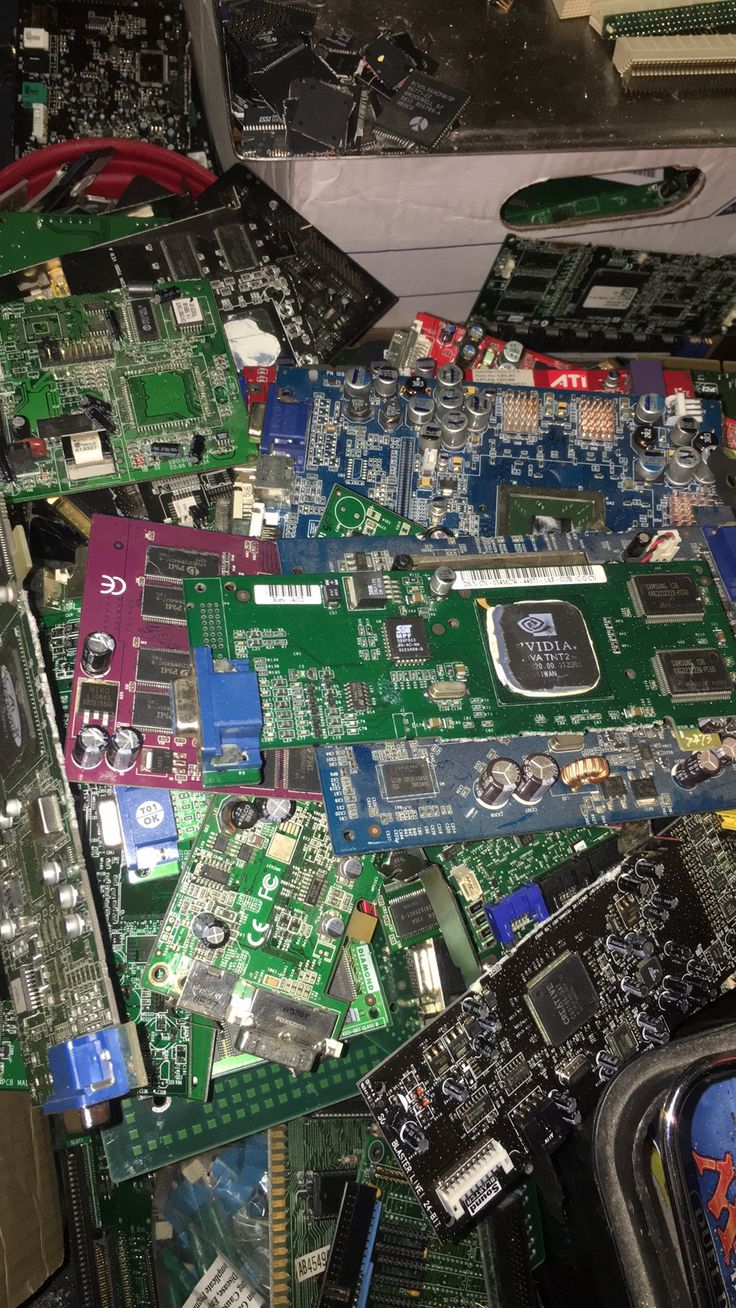
The catch is due diligence. If you’re sourcing parts or a used machine to save money, buy from resellers who source their inventory from businesses or companies liquidating equipment, rather than random individual listings. That’s where the best quality-to-price ratio tends to be.
FAQs
Will resetting my computer make it faster?
Simply resetting the device can help you regain some speed for a few months. However, it will slow down again over time unless you install faster hardware parts.
How much memory do I actually need?
If you do normal work and browse the web with multiple tabs open, 16GB is the ideal minimum to keep your computer running smoothly.
Is it worth fixing an old laptop?
It depends on the model. If the parts aren’t “glued” to the motherboard, upgrading the storage and memory is a great investment. Use the AI prompt above to check your specific model.
Related Articles


