Your PC hit a blue screen and now Windows is asking for a 48 digit BitLocker recovery key you have never heard of. Here is what happened and what to do about it.

Unless you work in tech, chances are the first time you heard the word BitLocker was when your PC threw a blue screen and flashed a window asking for a 48 digit code you have never seen in your life.
That is a terrible way to find out this thing exists.
Here is the short version of what happened. Windows 11 Pro comes with an encryption feature called BitLocker that encrypts your entire drive and everything on it. It generates a recovery key during setup and quietly backs it up to your Microsoft account. Most people have no idea this is happening. If you want the full story on why, check out the OOBE Magic post.
Why did BitLocker lock me out?

Windows can be particular about updates. You know that little notification that keeps popping up telling you updates are ready? The one you have been clicking away for three weeks? Yeah, that one.
At some point Windows gets tired of waiting and fires the update itself. During that process if anything causes a hiccup, a freeze, a rollback, even just a momentary interruption, BitLocker interprets it as a potential breach and locks the drive. It is trying to protect you. It just picked the worst possible moment to do it.
The drive is not broken. The data is not gone. BitLocker is just doing its job and refusing to budge until it gets that code.
Step 1: Try this first
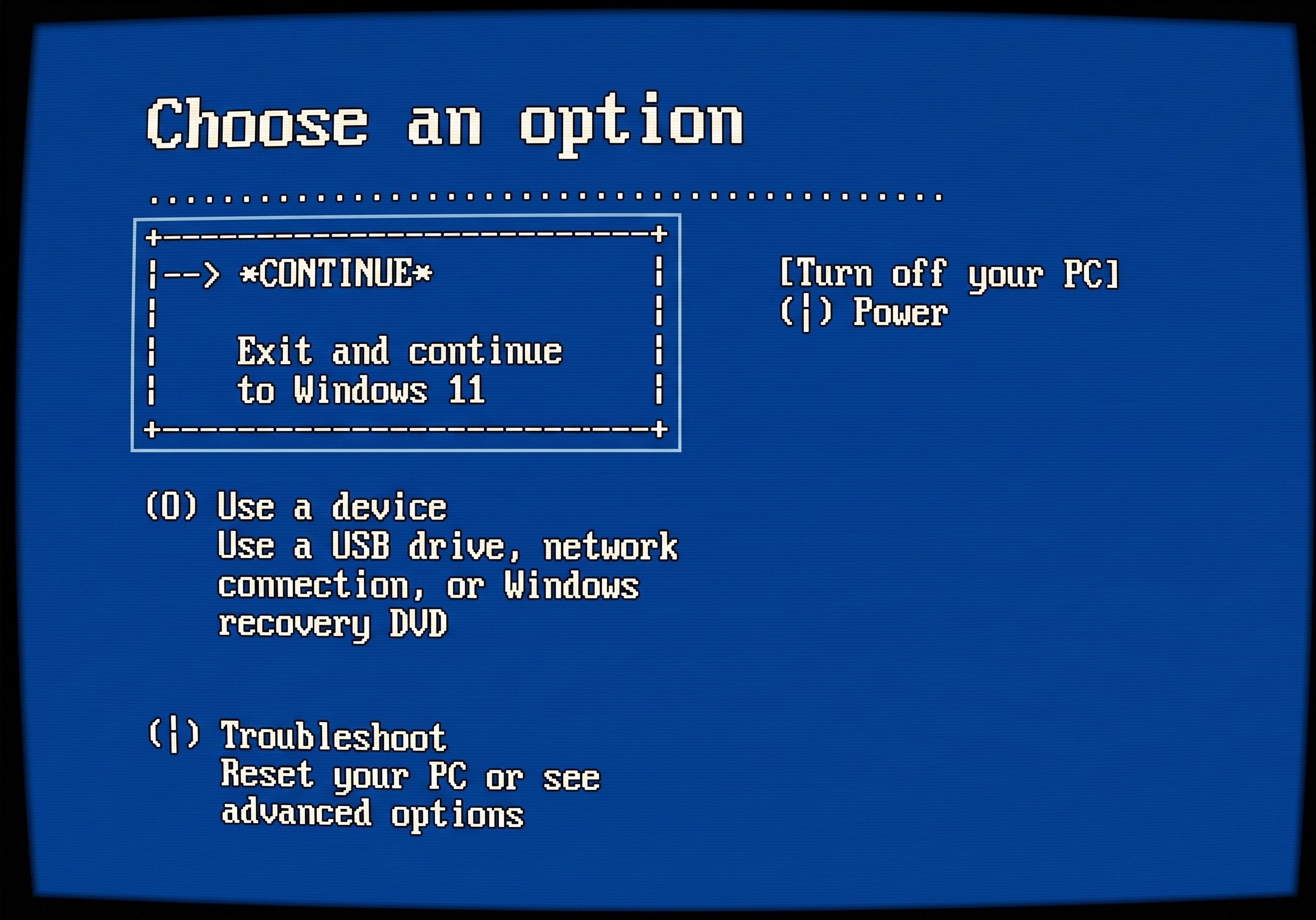
Before you panic, go back to the BitLocker screen and look for More Recovery Options. From there select Continue, exit and use Windows 11. There is a good chance your PC boots back to the normal login screen and lets you right in.
If that works, do not skip this next part. Go immediately to Settings, Privacy and Security, BitLocker Drive Encryption, Backup Recovery Key, and print or save that key somewhere physical. You just got lucky. Do not rely on luck twice.
Step 2: If it went back to the BitLocker screen
This means the system needs to finish its updates before it can fully boot. It is not broken. It is stuck in a loop and it needs that key to get unstuck.
This is where your Microsoft account comes in. During setup Windows created an account and backed up a copy of your recovery key there. Head to another device, your phone, a tablet, anything, and go to account.microsoft.com. Sign in with the email you used when setting up the computer.
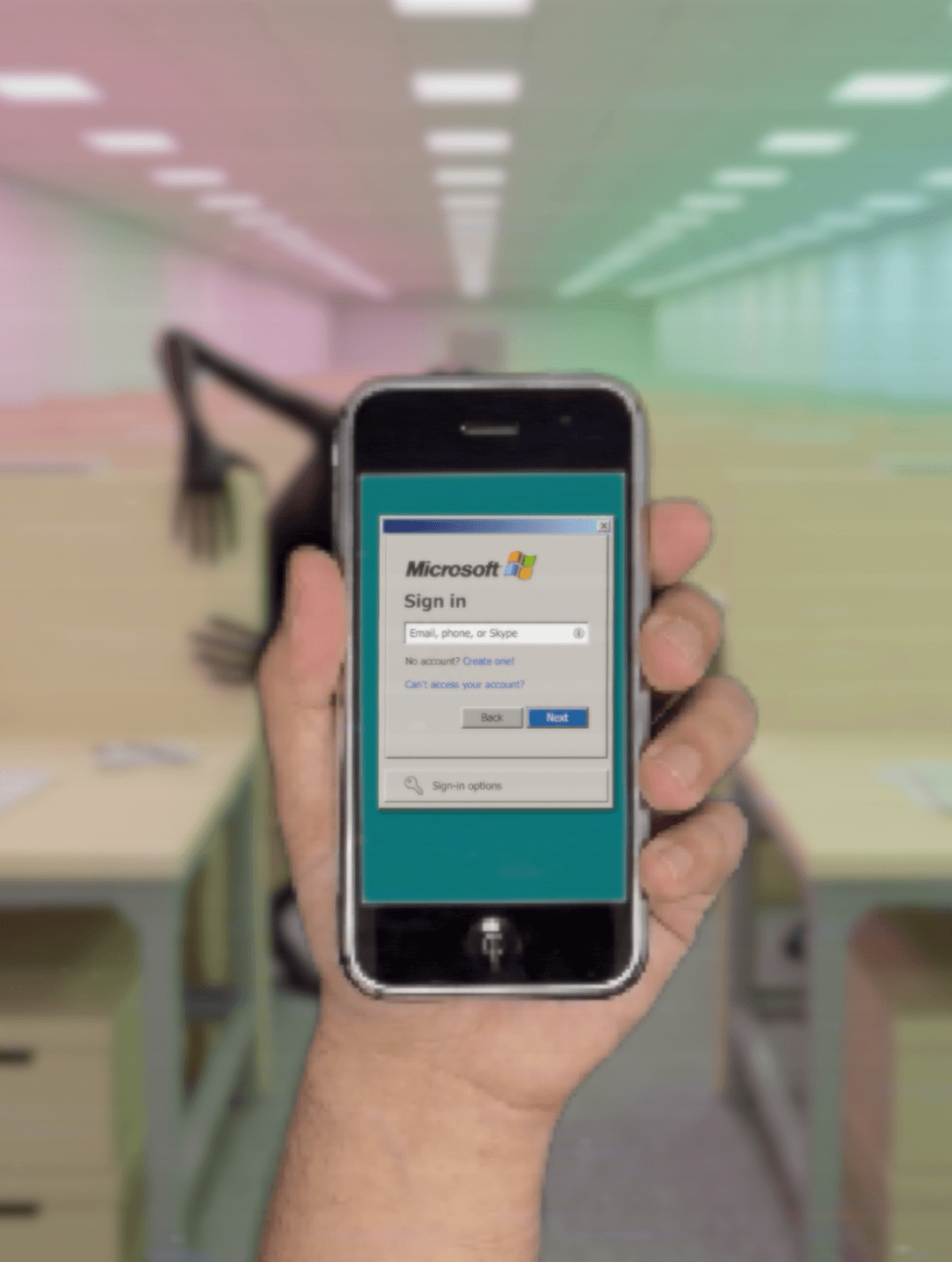
Not sure which email that was? Try your personal email first. The password for the Microsoft account is sometimes the same one you use to log into Windows, not the PIN, the actual password.
If the password does not work, use Forgot Password and follow the prompts to reset it. Once you are in go to account.microsoft.com/devices/recoverykey and look for your device.
What if there are no keys listed?
This usually means you set up the computer with a different email, often a fresh Outlook address that got created during setup and never used again. Try to recall any email addresses you may have created during that process and go through the same steps.
What if I cannot get into the Microsoft account at all?
If you cannot access the account that holds the key there is no way around BitLocker. A Windows reinstall is the only path forward.
The good news is that if your files were being backed up to OneDrive, Google Drive, or any cloud service, they can be recovered after the reinstall. Anything stored only on the local drive will be wiped.
I have been in this situation with clients more times than I can count. Some did not mind because the device was used for basic tasks. Others had months of work that nothing could recover. That is a hard conversation to have and it is completely avoidable.
The bottom line

Back up your BitLocker key before you ever need it. Go to Settings, Privacy and Security, Device Encryption, BitLocker Drive Encryption, Backup Recovery Key, and save it somewhere physical. Print it out, write it down, put it in a drawer. Not on the computer. Not in a folder on the same drive. Somewhere you can actually get to it.
That 48 digit key is the difference between a 20 minute fix and losing everything. Most of the time once it is entered the system lets you right back in without spending a cent on expert help.
Hope this saves you the chest tightening feeling. That one is the worst.
Related Articles