Human Written
Nothing makes you rethink your entire setup quite like watching a weather map light up with a swirl heading straight for Southwest Florida. And honestly? Sometimes all that prep is for nothing. The storm shifts, weakens, or just makes everyone feel dramatic for a week. But here's the thing: prevention is always worth it, and hurricane season is almost here. So we thought this was a good time to talk about the tech side of things that most people quietly forget until it's too late. Not the obvious stuff. Not "charge your phone." The things that actually come back to bite you.

Surges aren’t just a lightning problem

Most people picture a dramatic lightning bolt frying their TV. And yeah, that happens. But here’s what most folks don’t know: up to 80% of power surges actually start inside your own home or business. Your AC kicking on, your fridge cycling, a power tool in the garage. Every time a motor-heavy device switches on or off, it creates a small spike that silently stresses the circuit boards in everything else around it.
Over time, those tiny hits add up. It’s like electronic rust. Your computer, your router, your smart TV might keep working for months before quietly dying on you, and you’d never connect it back to that summer of random power fluctuations. If your Wi-Fi starts acting flaky afterward, that could be exactly why — we cover the troubleshooting side of it in Wi-Fi Setup and Network Troubleshooting in Estero.
And then there’s the restoration surge, the one people forget about entirely. When the power comes back on after an outage, the rush of electricity back through the lines can actually be worse than anything that happened during the storm. That’s the moment unprotected devices are most vulnerable.
That power strip is not protecting you
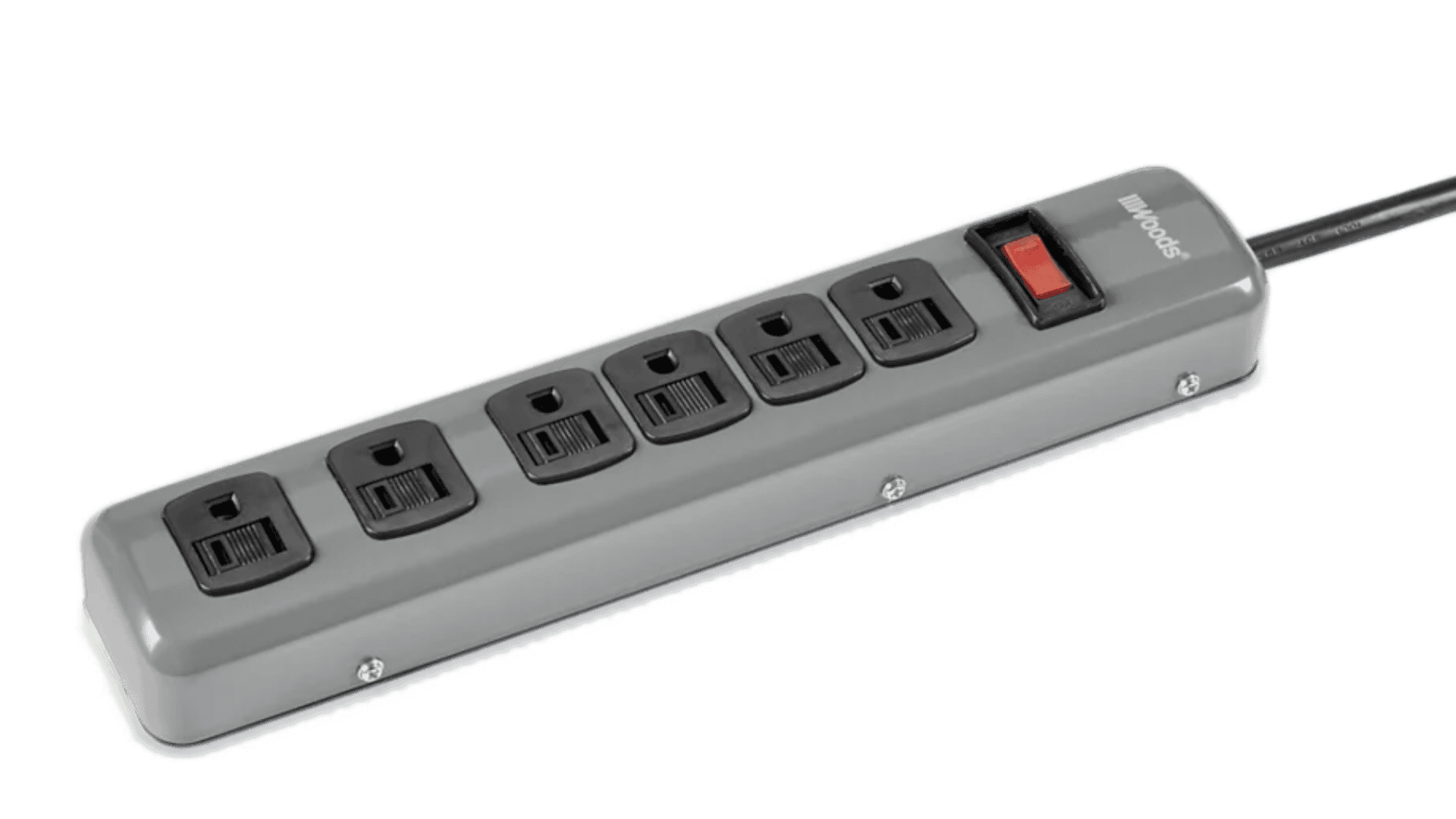
I know, I know. You bought something with six outlets and a little light on it. But here’s the hard truth: most power strips don’t protect against surges at all. They just give you more plugs.
A real surge protector has a joule rating on the box. That number tells you how much energy it can absorb before it stops working. And yes, they stop working. After absorbing enough hits, a surge protector can look perfectly fine while offering zero protection. Some have a little indicator light. Many don’t.
If you bought yours more than three or four years ago and it lives in a Florida home, there’s a real chance it’s been quietly sacrificing itself one surge at a time and you’d have no idea.
Also worth knowing: even a surge protector won’t keep your devices running if the power goes out. For that, you need a UPS, an Uninterruptible Power Supply. Think of it as a battery backup that buys you a few minutes to save your work and shut things down properly. For any business running computers, a point-of-sale system, or a server, a UPS isn’t optional. It’s just responsible. If you run a small business in the area, our IT support guide for Cape Coral businesses covers this kind of prep in more detail.
Turning it off isn’t enough

This one surprises people. Switching a device off at the power button, or even at the wall switch, doesn’t physically disconnect it from the electrical circuit. Surge current can still travel down the line and damage it.
The only move that actually works before a known storm? Unplug it. Physically pull it from the wall. It takes two minutes and it’s the cheapest form of hurricane protection you’ll ever find.
Your data is the thing you can’t replace

Okay, this is the big one. The one I genuinely think about for people.
Computers are replaceable. TVs are replaceable. But your files, your photos, your business records, your client documents, your years of work, those are a different story. And most people only find out they had a backup problem after something goes wrong.
Cloud backups are great in theory. In practice, I’ve shown up to help clients who were convinced their cloud backup was running and discovered it had quietly stopped, sometimes months earlier. The tool signed out, needed an update, or hit a permissions issue, and nobody noticed. No loud alarm. Just a silent failure and a false sense of security.
The client didn’t even know. They were sure it was running. It was not.
If you’re using a cloud backup service, go check it right now. Not after you finish reading this. Right now. Make sure it’s actually syncing.
If you’d rather keep your files completely offline, external hard drives and network drives are solid options, but they come with their own responsibility. They can fail from physical damage, heat, and yes, power surges. Which means if you go the offline route, two copies on two different drives is the minimum. Redundancy isn’t paranoid, it’s just smart.
The “Don’t forget” list before a storm hits

This is what we actually want you to walk away with:
Unplug your important electronics before the storm, don’t just switch them off
Check that your surge protectors are real ones (look for a joule rating) and replace them if they’re more than 3 to 4 years old
Put a UPS on your computer, router, and any business equipment that can’t afford an abrupt shutdown
Verify your cloud backup is actually syncing, open the app and confirm
Keep at least two physical backup copies of anything you can’t afford to lose, on separate drives
Don’t forget your HVAC system. It’s one of the most expensive things in your home or office, its warranty doesn’t cover surge damage, and a surge protector power strip is not the right tool for it (talk to an electrician about whole-home protection)
After the storm, don’t rush to plug everything back in. Wait for power to fully stabilize before reconnecting sensitive electronics
Data protection is honestly a whole topic on its own, and we’re going to go deeper on backup strategies in a future post. What tools actually work, how to set them up so they stay working, and what a real backup plan looks like for a small business. Stay tuned.
If you’d rather have someone walk through your setup before the season ramps up, book a service call and we’ll help you get everything above squared away.
In the meantime, stay safe out there. And go check that backup.
Related Articles


